Tactical Vibes
Your arsenal, gear and range days in one private place. See what fits every firearm you own, build loadouts, and keep proof-of-ownership records — on your iPhone, with no account required.
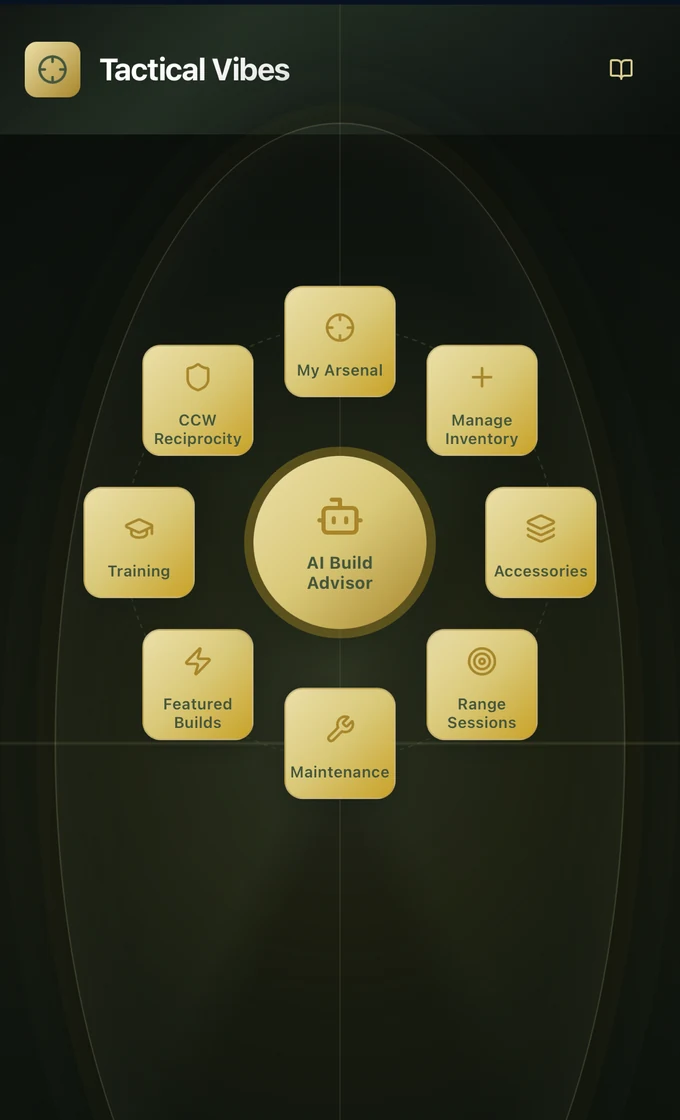
Know what you own. Know what fits.
Your arsenal, one glance
Firearms by type, rounds on hand by caliber, and what needs attention — the moment you open the app.
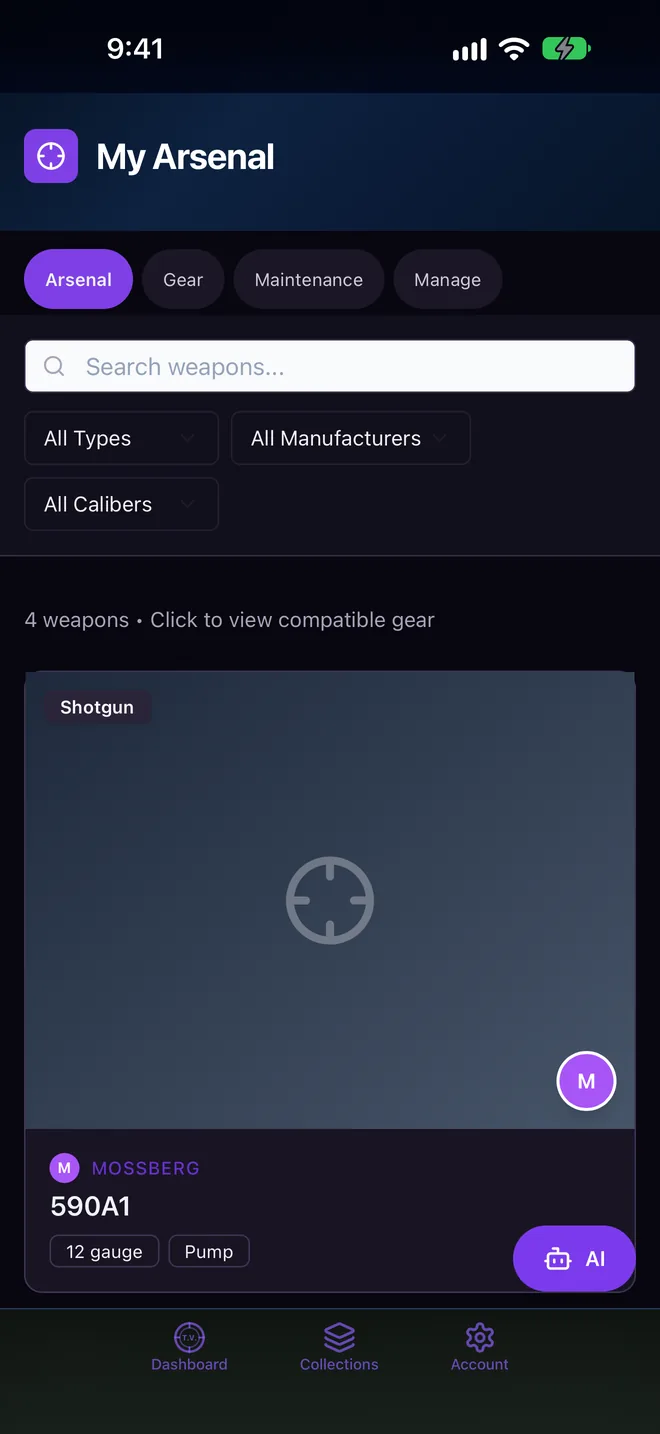
Tap a firearm, see what fits
Optics, magazines, lights, slings and accessories that work with each firearm you own, plus parts worth adding.
AI Build Advisor
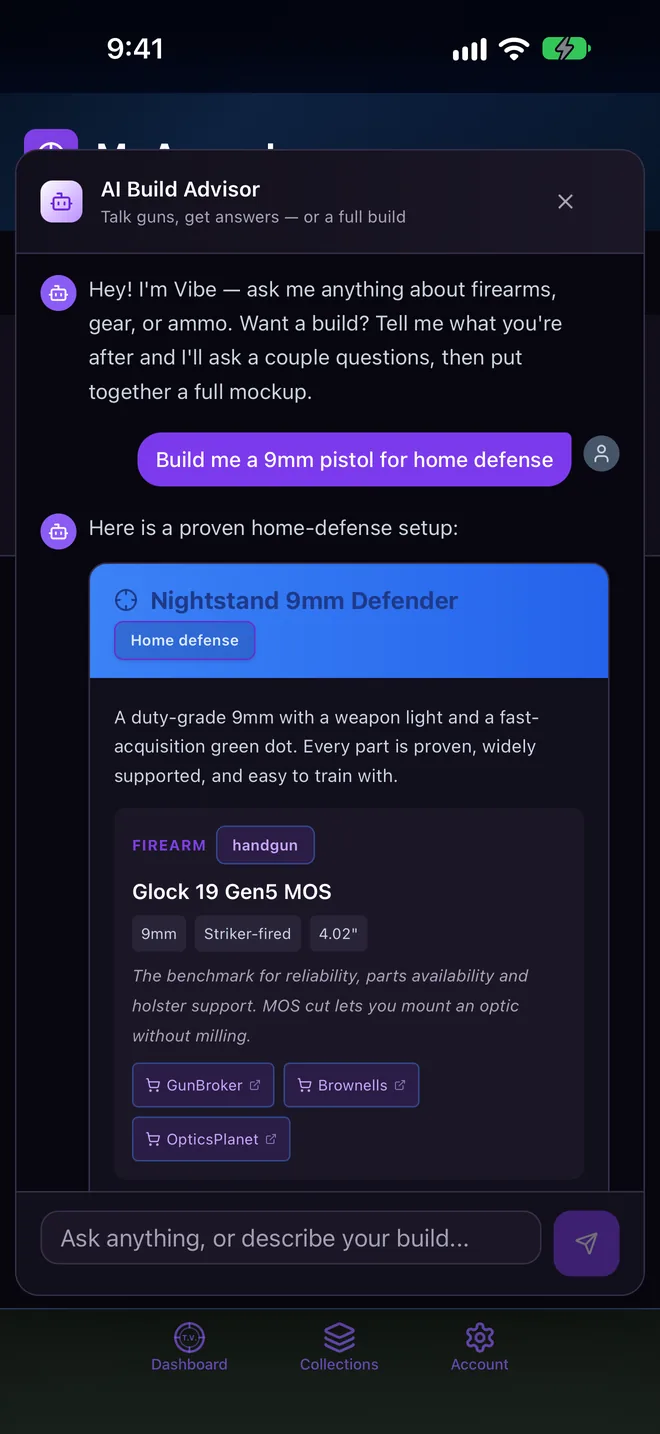
Describe the gun you want and get a complete build — firearm, optic, accessories and ammo — that fits what you already own.
Collections & widget
Group gear into Everyday Carry, Range Bag, Duty or Hunting, and pin one to your Home Screen.
Range & maintenance
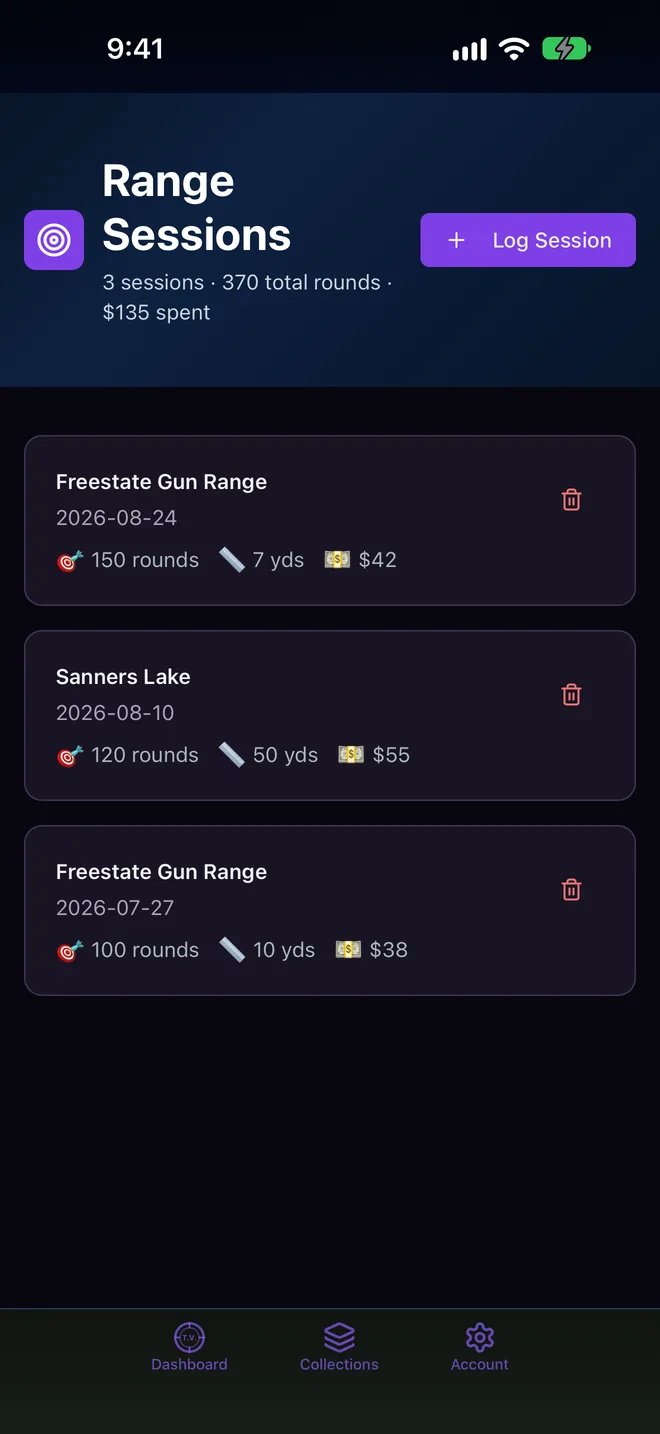
Log rounds, distance and cost. Ammo counts drop automatically; cleaning and round counts are tracked per firearm.
Vault Report
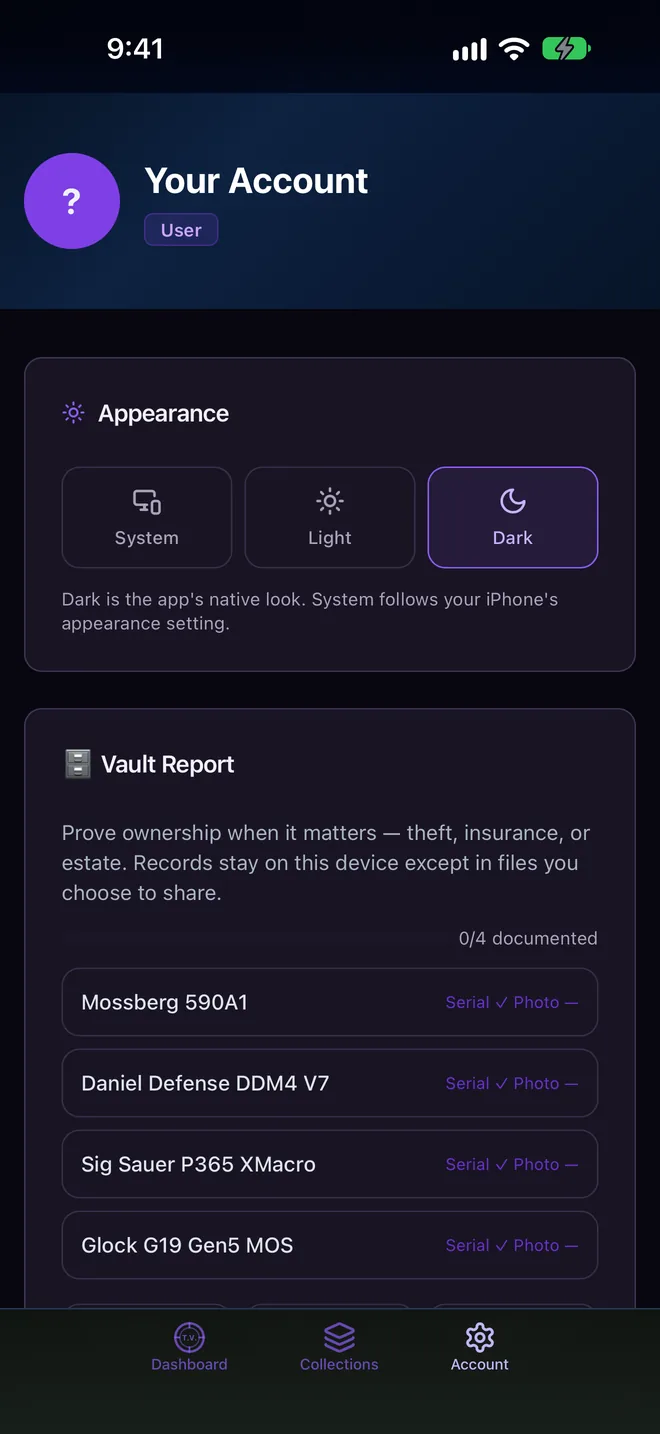
Serials, photos, purchase details and maintenance history in one ownership record for insurance or theft. Nothing is uploaded.
Three steps to a dialed-in setup.
Add your firearms
Add what you own — manufacturer, model, caliber, serial and photos.
Browse compatible gear
Open any firearm to see the optics, ammo and accessories that fit it.
Build with confidence
Group gear into loadouts, or ask the AI Build Advisor for a complete build.
Loadouts on your Home Screen.
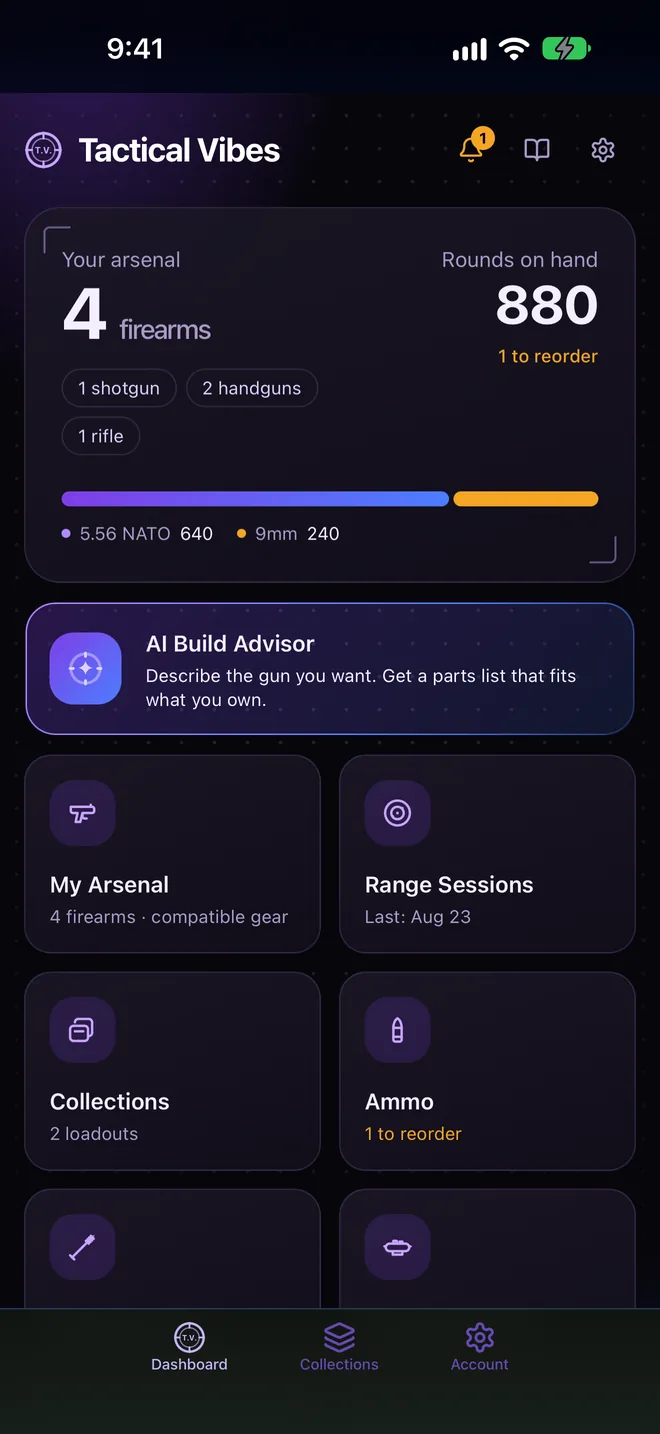
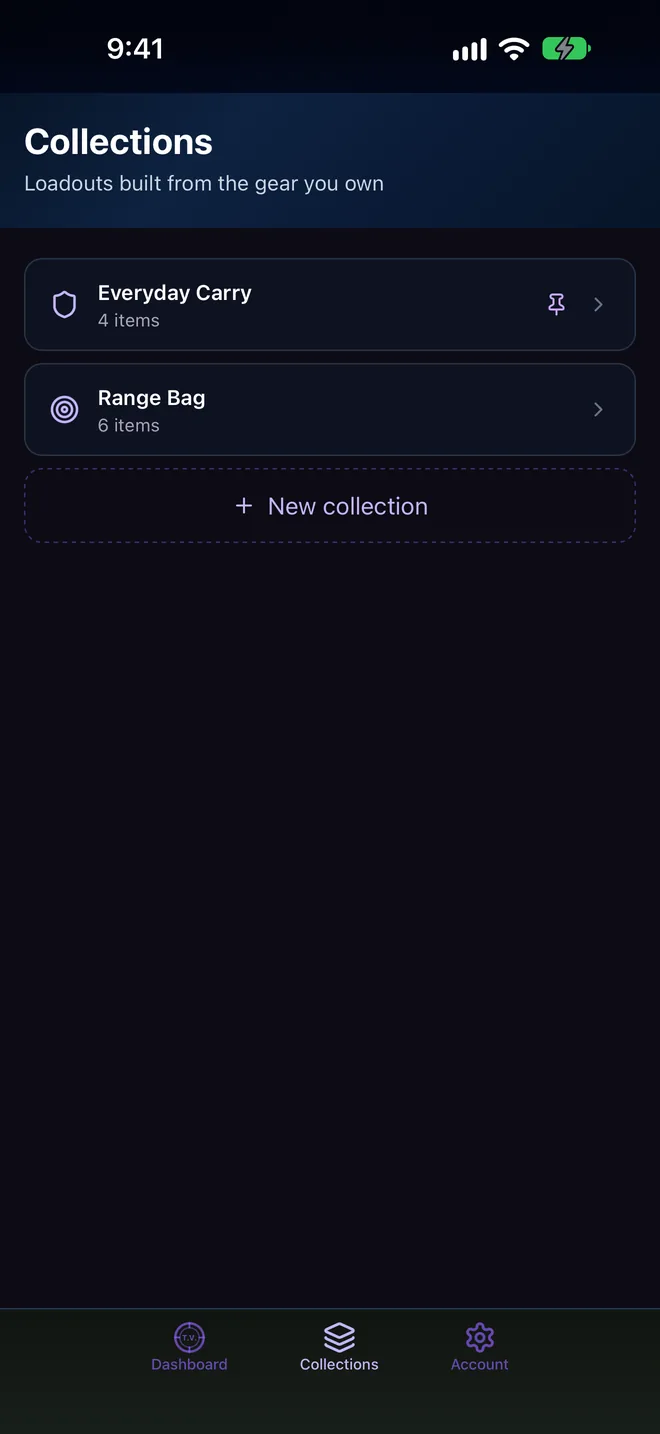
- Collections — group gear into loadouts (EDC, Range Bag, Duty…) and pin one to a new Home Screen widget.
- Redesigned Dashboard — firearms, rounds on hand and what needs attention, at a glance.
- Light appearance — choose Light, Dark or follow the system in Account › Appearance.
- New app icon — with dark and tinted Home Screen variants.
- iPhone 18 Pro Max & iPhone Duo — the layout adapts between the cover and inner displays.
- Sign in with Apple — optional, only for features that need it.
- AI Build Advisor — faster and more reliable on devices with Apple Intelligence.
- Stability — fixes for iOS 27.
iPhone & iPad · iOS 15.0 or later · Widget iOS 17+
We've got your six.
Account questions, troubleshooting, or feature requests for the Tactical Vibes iOS app? Reach out — we respond promptly.
Reach the team
Support for account questions, troubleshooting, and feature requests.
support@gratus1.io →Where is my data stored?
Your inventory lives in an encrypted store on your iPhone. There is no account to create and no server holding your records.
Does the AI Build Advisor send anything off my phone?
On iPhones with Apple Intelligence it runs on-device. When on-device AI isn’t available or can’t give a good answer, your request and a list of the makes, models and calibers you own are sent to a cloud AI service (Cloudflare Workers AI) to write the build — only after you allow it, and you can turn it off in Account › Cloud AI. Serial numbers, photos and purchase details are never sent. Details are in the Privacy Policy.
How do I back up or move to a new iPhone?
Open Account and tap Export Backup to save a file you keep. On the new iPhone, tap Import Backup and choose that file.
How do I delete my data?
Open Account and tap Delete Account & All Data. Everything stored by the app is erased; this can’t be undone, so export a backup first if you might want it.
Does Tactical Vibes sell firearms or ammunition?
No. Purchase links open third-party retailers in your browser. Follow all federal, state and local laws.