My Tech Buddy
Plain-language help with the tech in your home. Keep every device in one place, check a suspicious message before you reply, and fix problems one calm step at a time.

Tech help that actually makes sense.
My Home
Every device you own, saved by room with its own plain-language guide. Your home screen is your home.
Identify
Take a photo of a device, cable or remote. We tell you what it is and how to set it up.
Scam Check
Paste a text or email, or share a screenshot. We point out the warning signs and what to do next.
Ask & Connect
Ask anything in your own words, or name two things and get walked through joining them.
Diagnose
Describe what’s not working and fix it one step at a time — then tell us if it worked.
Monthly check-up
Five calm minutes a month to keep everything updated and safe, with an optional gentle reminder.
Three steps. Zero stress.
Ask
Type your question in your own words, or take a photo of the thing that’s puzzling you.
Understand
Get a clear, friendly explanation with no jargon.
Do
Follow simple steps and solve it with confidence.
See it before you download it.
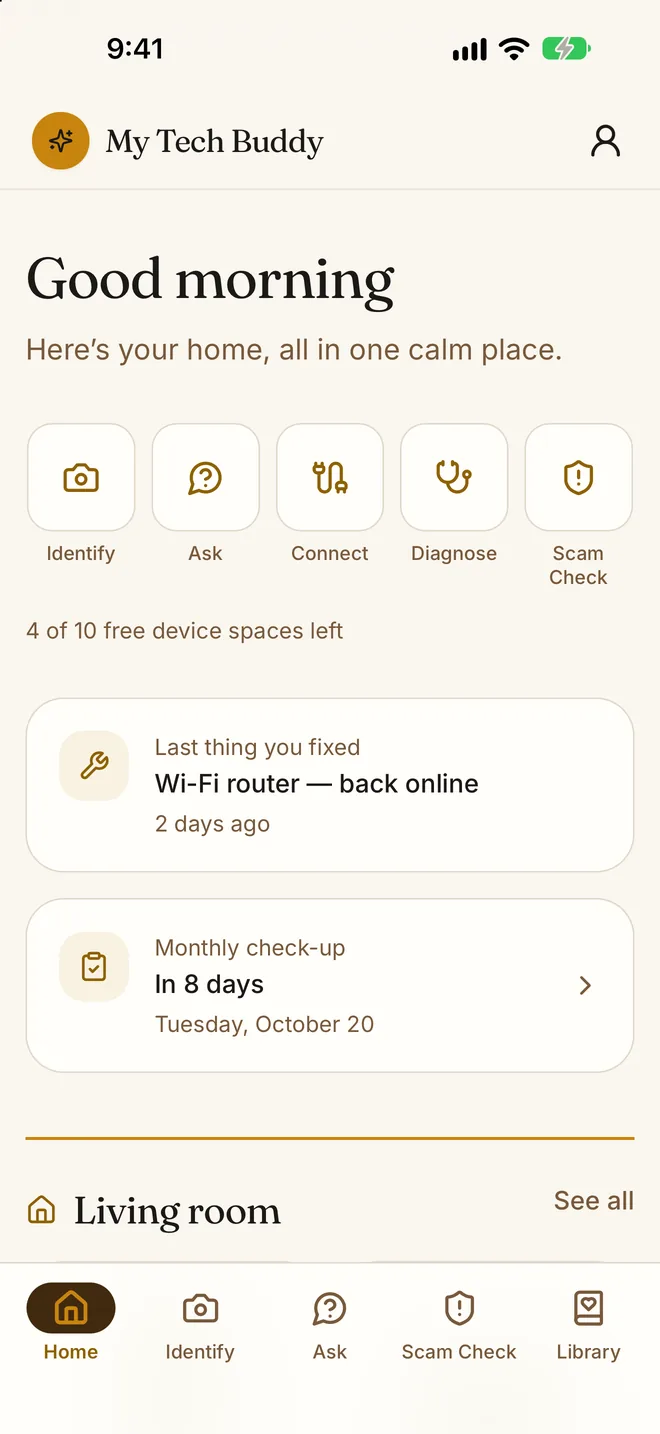
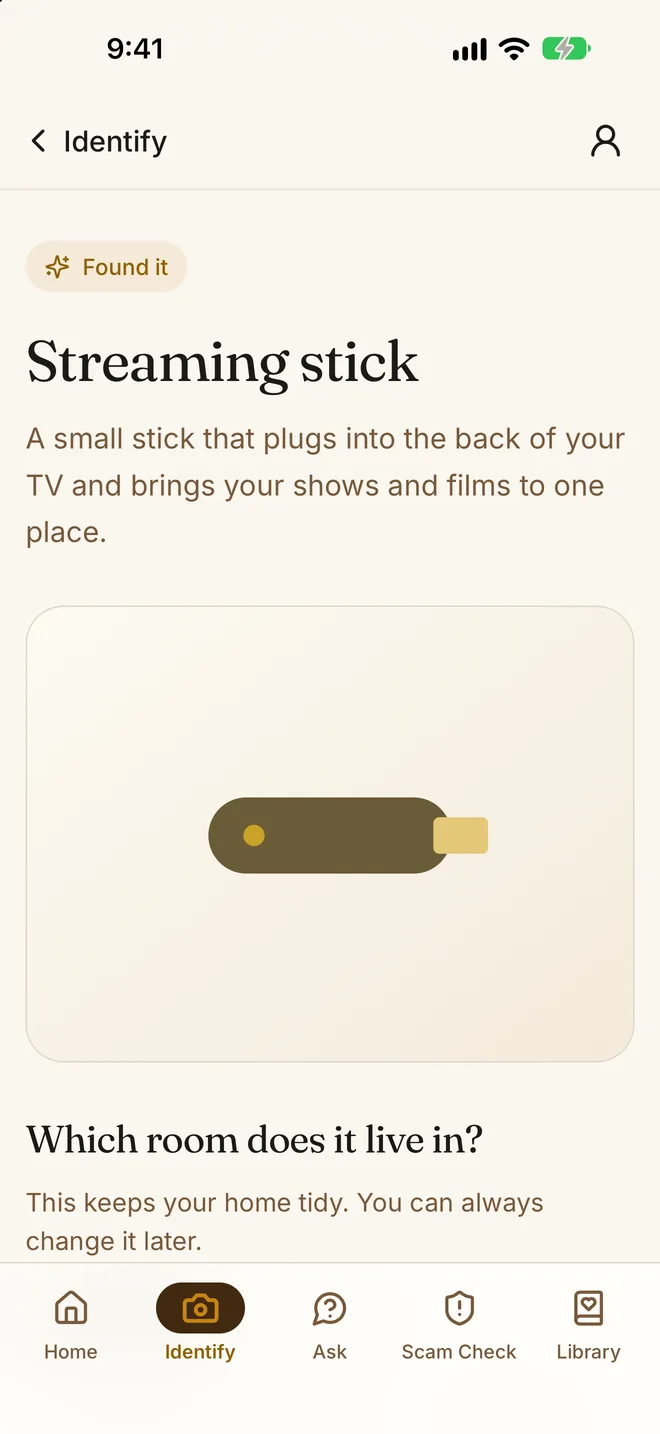
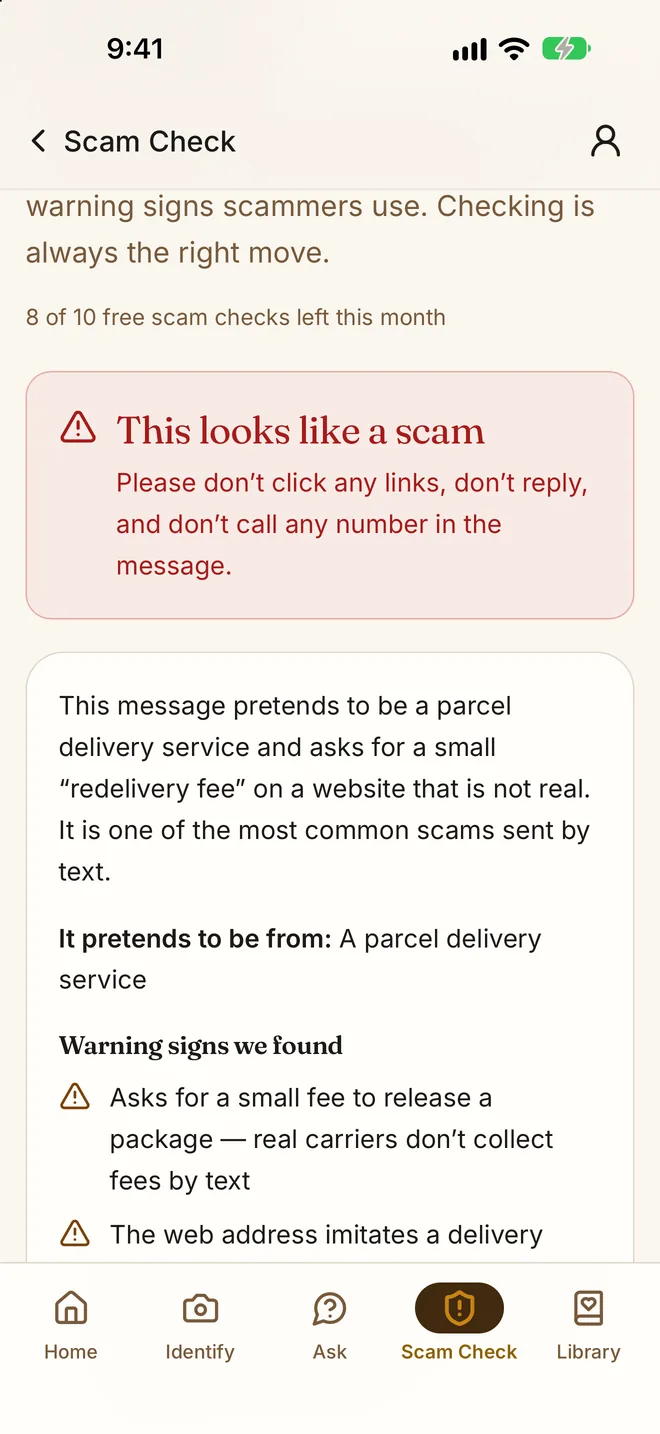
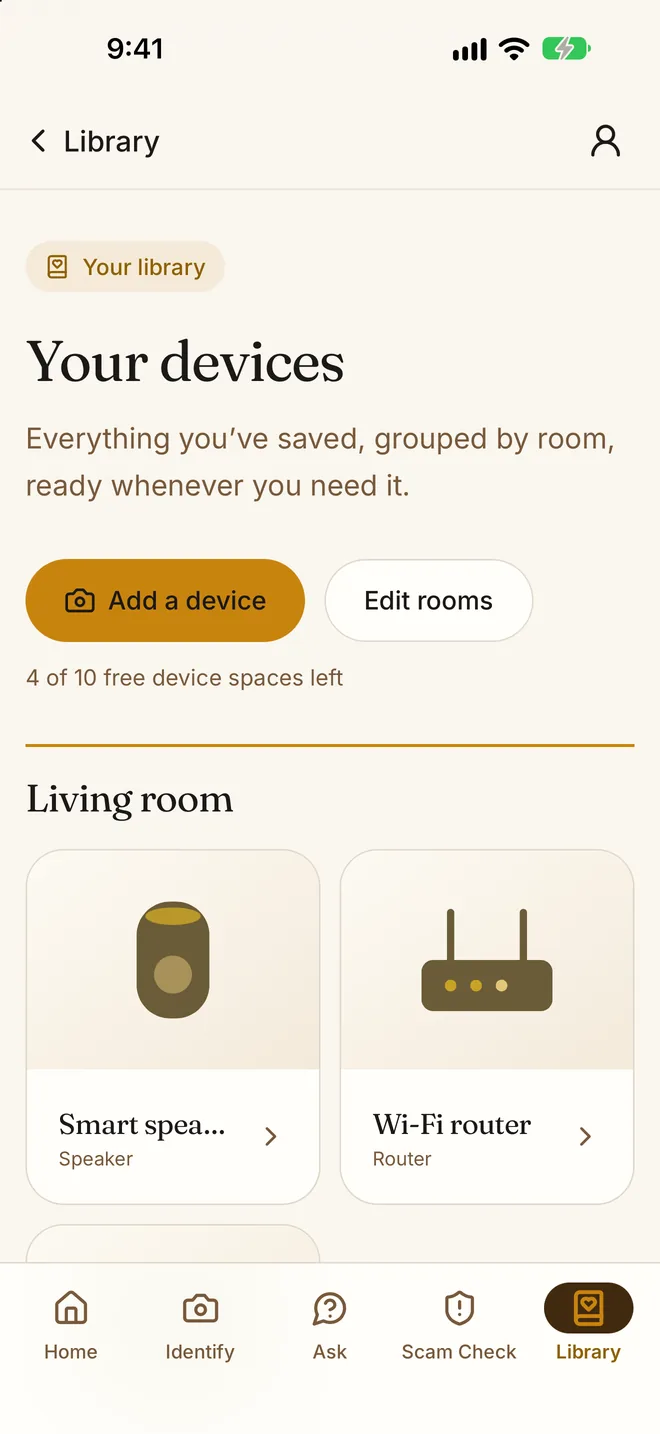
- My Home — your devices saved and grouped by room, right on the home screen.
- Scam Check — paste a message or share a screenshot and see the warning signs before you reply.
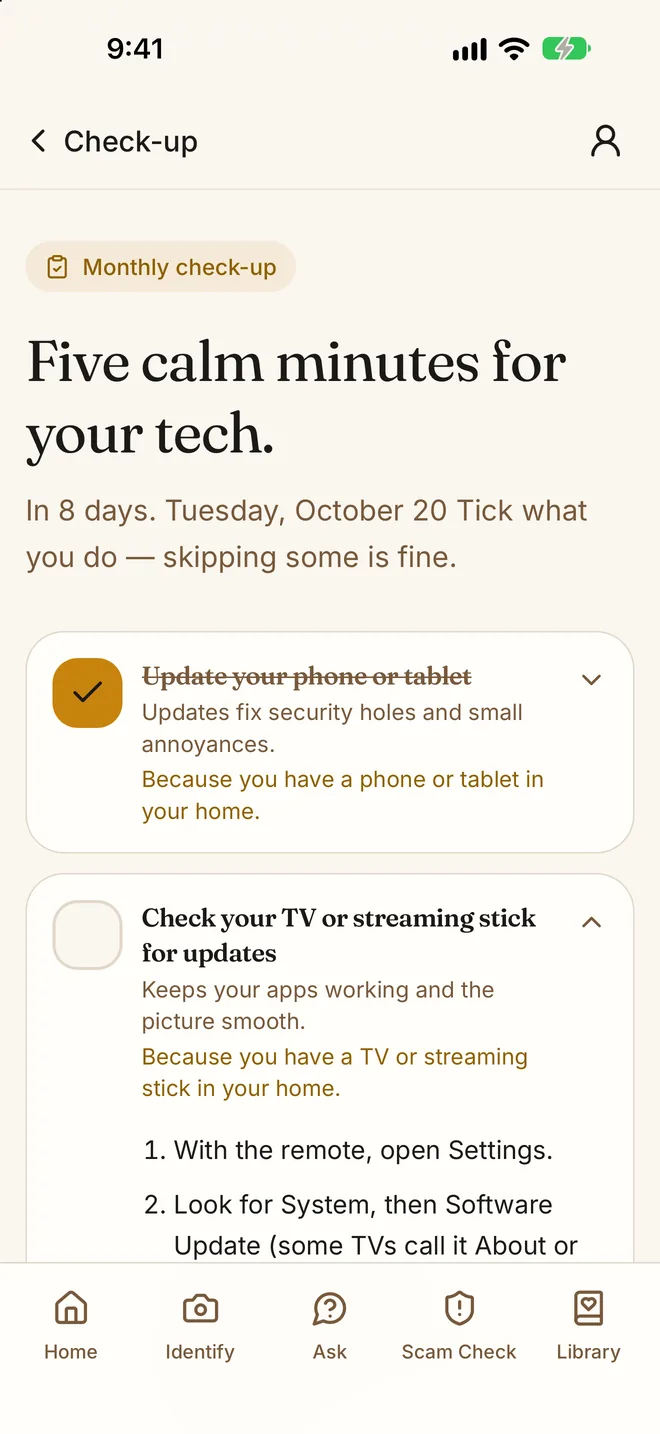
- Monthly check-up — a short, calm checklist each month, with an optional reminder on the 1st.
- “Did that fix it?” — tell us after a fix, and share a guide with a family member.
- Home-screen widget — your next check-up and device count at a glance.
- Your home, kept safe — sign in with Apple or email to keep your home across devices; delete your account at any time.
- You choose what’s shared — the app asks before sending anything to its AI service, and you can turn it off in Account.
- Buddy plan — optional, for people who want no monthly limits. The free plan stays free.
iPhone & iPad · iOS 16.0 or later
Free to use. Buddy if you want more.
- 3 device identifications a month
- 10 questions and 5 connection guides a month
- 3 step-by-step help sessions a month
- 10 scam checks a month
- Save up to 10 devices
- Unlimited identifications, questions, guides and help sessions
- Unlimited scam checks
- Save as many devices as you like
Buddy is an auto-renewing subscription billed through your Apple ID. It renews at the same price unless you cancel at least 24 hours before the end of the current period. You can manage or cancel it at any time in Settings → your name → Subscriptions. US prices shown; your App Store shows the price in your currency. Privacy Policy · Terms of Use (Apple standard EULA)
We've got your six.
Questions, issues, or feature requests for My Tech Buddy on iOS? Reach out — we respond promptly.
Reach the team
Support for installation, account questions, troubleshooting, and feature requests.
support@gratus1.io →How do I cancel or change my Buddy plan?
On your iPhone or iPad, open Settings → your name → Subscriptions → My Tech Buddy. In the app, Account → Manage subscription takes you to the same place.
I bought Buddy but the app shows the free plan.
Open Account and tap Restore purchases, signed in with the same Apple ID you paid with.
What is sent to the AI service?
Only what you give a feature — a question, a photo, device names, or a message to check. The app asks before anything is sent, and you can turn it off under Account → AI help. It goes to Cloudflare Workers AI. Details are in the Privacy Policy.
How do I delete my account?
Open Account and tap Delete my account. Your saved devices, rooms and history are removed. A Buddy subscription is billed by Apple, so cancel it in Settings as well.